If you've worked on a TanStack Router project with more than a handful of routes, you've probably run into this. You need to find the source file for /app/settings/$orgId, but the actual file is something like _with-auth/app/_with-org/settings.$orgId.tsx. Between pathless layouts, nested layouts, and flat route conventions, mapping a URL to its source file gets tedious quickly.
I built a VS Code extension to solve this.
What Does It Do?
TanStack Route Jumper parses your routeTree.gen.ts file and presents a searchable list of every route in your project. Select a route and it opens the corresponding source file directly.
There's no config or setup required. If you have a routeTree.gen.ts in your workspace, it works automatically.
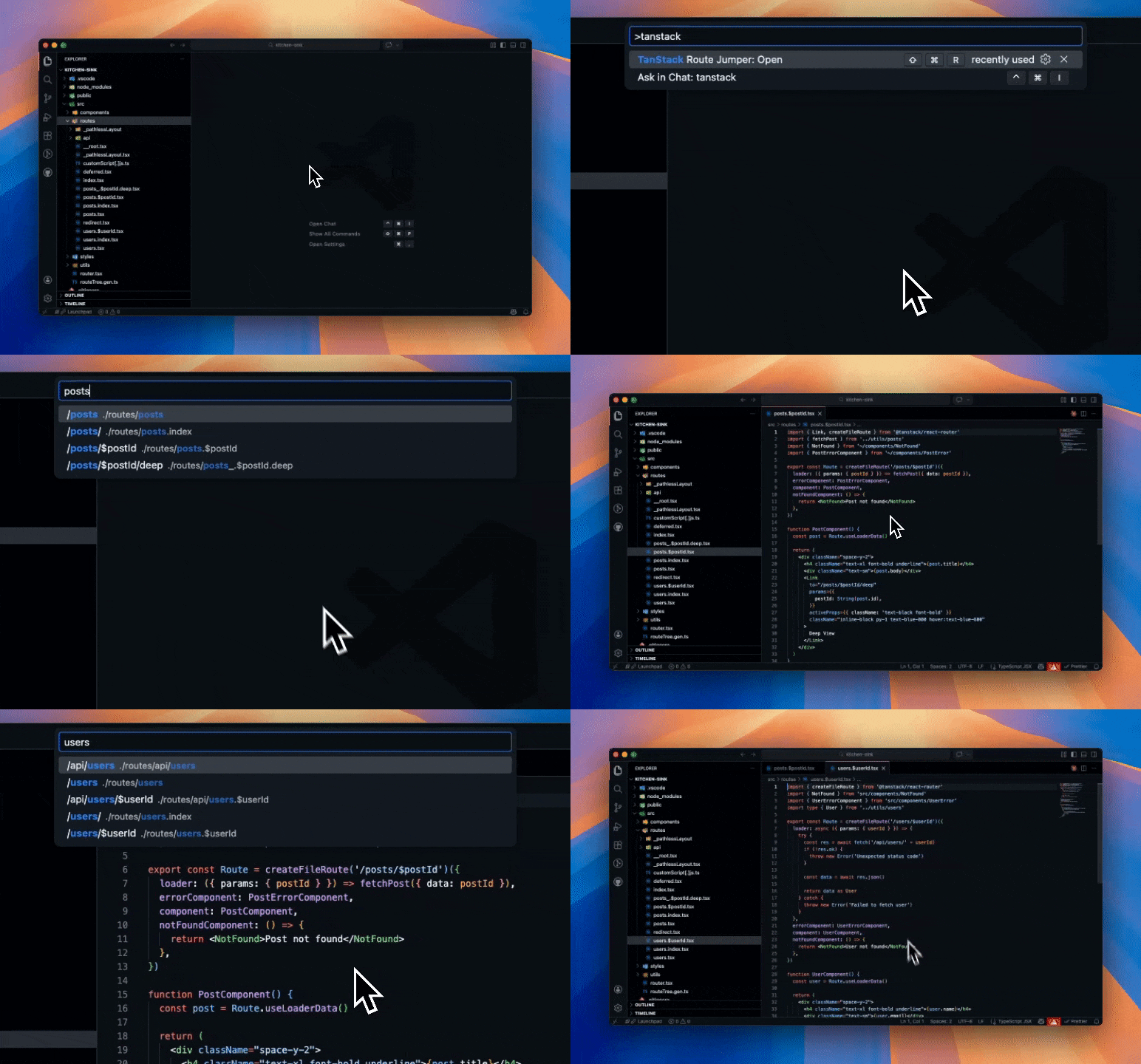
How to Use It
Press Cmd+Shift+R (or Ctrl+Shift+R on Windows/Linux) and start typing. You can search by the route path (/users/$userId) or by the file path (users.$userId). Select a route and you're there.
You can also open it from the command palette — search for "TanStack Route Jumper: Open".
Supported Routes
It handles pretty much everything TanStack Router supports — static routes, dynamic params, splat routes, pathless layouts, nested layouts, and the flat dot-separated convention.
How Do I Get It?
You can grab it from the VS Code Marketplace or check out the source on GitHub. It's MIT licensed.
I've been using it on my own projects and it's saved me a lot of time navigating larger codebases. If you're working with TanStack Router, I'd recommend trying it out.